How to Build a Strong Student CV for SIWES and Internships
Practical guidance for Nigerian university students: build a strong student cv for siwes and internships
2 min read
How to Build a Strong Student CV for SIWES and Internships
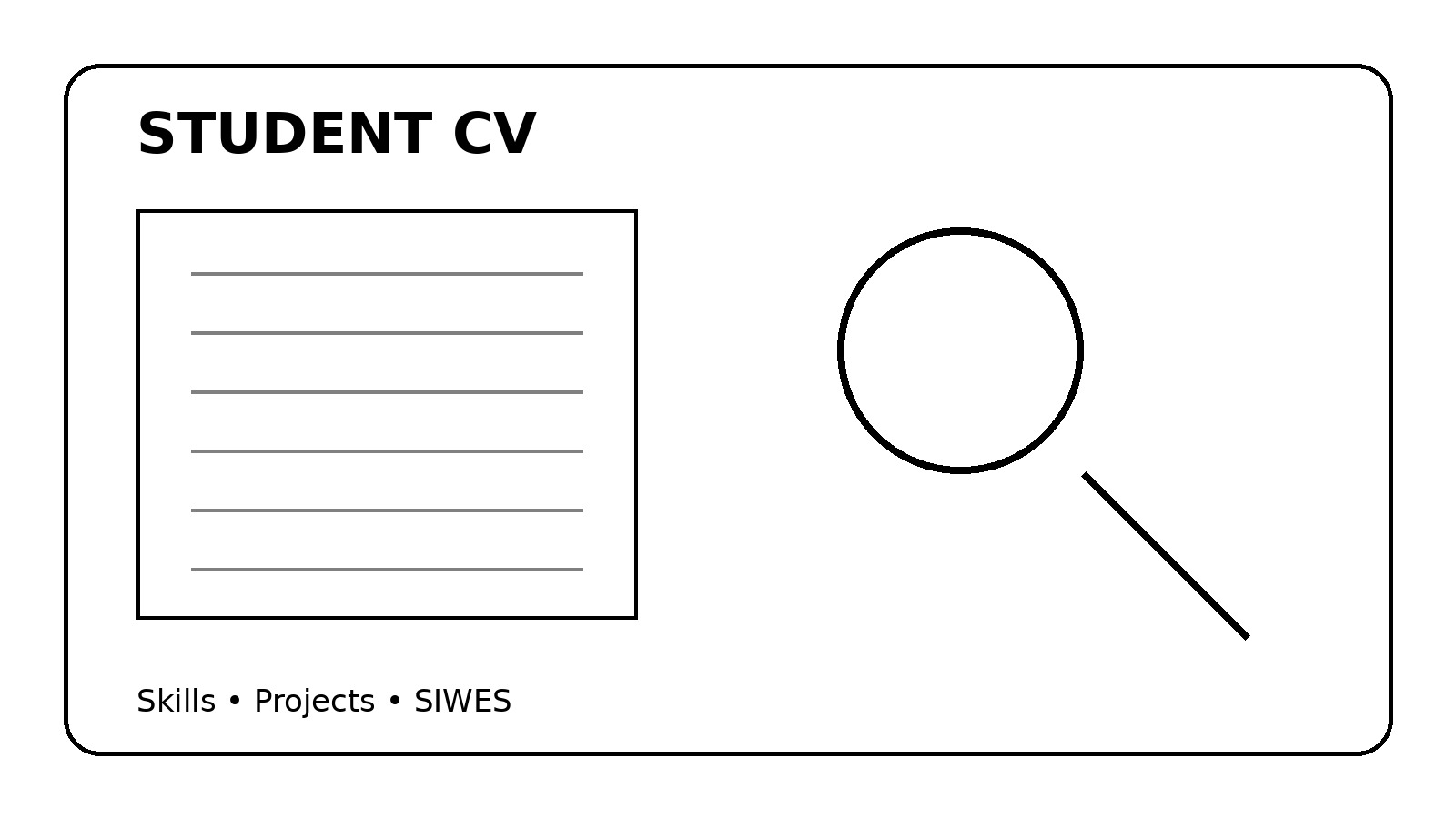
A student CV for SIWES or an internship does not need years of employment history. It needs to make your education, skills, projects and potential easy to understand.
Start With Contact Details
Use your full name, phone number, professional email address, location and relevant LinkedIn or portfolio link. Check every contact detail before sending.
Write a Short Profile
Explain your course, current level or area of interest and the opportunity you are seeking. Keep it specific instead of filling it with unsupported claims such as “hardworking” or “intelligent.”
Put Education Clearly
Include your institution, programme and expected graduation year. Add relevant coursework or academic achievements when they support the application.
Make Skills Specific
Instead of “computer skills,” list what you can actually do, such as Excel formulas, presentation design, HTML/CSS, basic programming, data organisation or research. Connect skills to evidence where possible.
Projects Count
A personal or school project can demonstrate initiative. Describe what you built or completed, which tools you used and the result. “Created a website” is weaker than explaining the type of website, technologies used and features completed.
Include Relevant Experience
If you have completed SIWES, volunteering, freelance work or student organisation responsibilities, explain your actual tasks. If you have not completed SIWES, do not invent experience; use legitimate projects and activities instead.
Keep the Design Easy to Scan
Use clear headings, readable fonts, short bullet points and consistent spacing. Avoid excessive graphics and long paragraphs.
Tailor the CV
An accounting internship might call for emphasis on Excel, relevant coursework and financial projects. A software internship might call for programming, technical projects and tools.
Check Dates and Links
Make sure education and project dates are accurate. Open every portfolio or LinkedIn link. Check your phone number and email.
Save a Clean PDF
Unless another format is requested, PDF is practical because the layout is less likely to change. Use a clear filename such as “YourName_CV.pdf”.
Final Checklist
Confirm your name, contacts, education, skills, projects, dates, links and formatting. Proofread and tailor the CV to the opportunity.
Your first CV does not need to look like the CV of someone with ten years of experience. It needs to show clearly what you can do now and what you are ready to learn next.