How to Use LinkedIn as a Nigerian Student Looking for Opportunities
A step-by-step guide for Nigerian students to create a useful LinkedIn profile, showcase projects, connect professionally and find internships and career opportunities.
5 min read
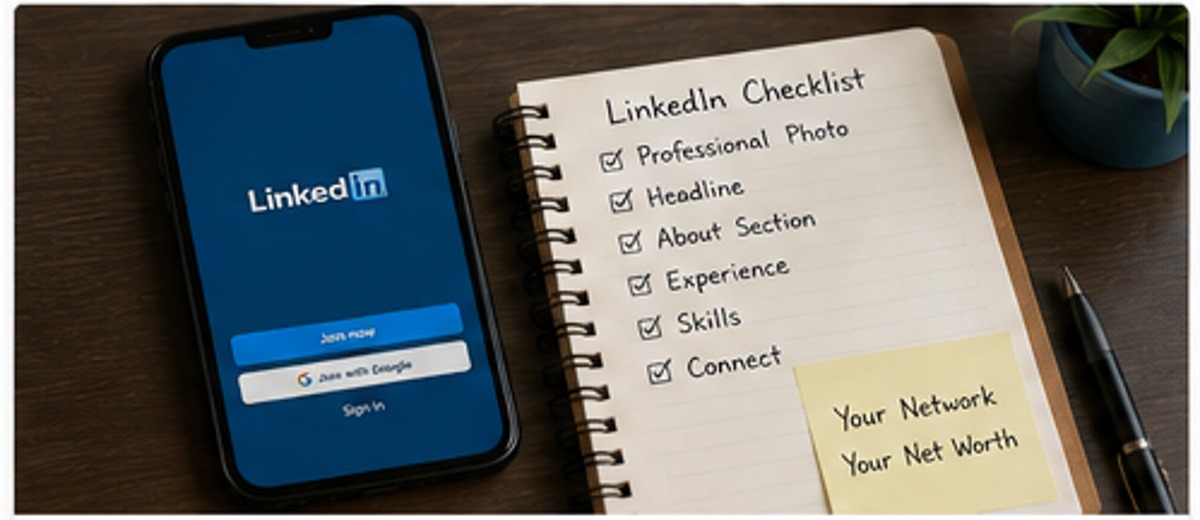
LinkedIn is not only for people who already have ten years of work experience. Students can use it to document what they are learning, find professional communities, discover internships, and make themselves easier to find.
The key is to treat your profile as a professional introduction rather than a place to collect random connections.
You do not need thousands of followers. You need a clear profile and genuine interactions.
Start with a clear profile photo
Use a recent photograph where your face is clearly visible and the image is appropriate for a professional profile.
You do not need an expensive studio photograph. Good lighting, a simple background and a clear image are enough.
Avoid blurry pictures, group photographs, heavily edited images or photos that make it difficult to identify you.
Write a useful headline
Your headline should explain what you are studying or what direction you are pursuing.
Instead of:
Student at University
Try something more specific:
Computer Science Student | Learning Web Development | Interested in Software Engineering
Or:
Accounting Student | Excel & Data Analysis Learner | Interested in Finance Internships
Do not claim professional expertise you do not yet have.
Write an honest About section
Your About section can answer:
- What are you studying?
- What are you currently learning?
- What projects or activities have you completed?
- What opportunities are you interested in?
Keep it readable.
You could write:
“I am a university student interested in web development and practical technology projects. I am currently improving my skills in HTML, CSS and JavaScript while building small projects to strengthen my understanding. I am interested in internships and opportunities where I can learn from experienced teams and contribute to real projects.”
Make it your own.
Add your education
Include:
- University
- Course
- Dates
- Relevant activities
- Relevant projects
If you participated in a student organisation, competition or project related to your field, you can add it where appropriate.
Add projects even if you have no job
Projects are especially valuable for students.
For each project, explain:
- What you built
- Why you built it
- What tools you used
- What your role was
- What you learned
If you have a GitHub repository or portfolio, include it when it is ready for public viewing.
Do not link to an empty repository simply because you have one.
Add skills carefully
Choose skills that match your actual abilities.
For example:
- Microsoft Excel
- Canva
- HTML
- CSS
- JavaScript
- Python
- Research
- Presentation
- Data analysis
Avoid adding 50 skills you cannot discuss.
If someone asks you about a skill during an interview, you should be able to explain how you have used it.
Follow organisations and people in your field
Instead of connecting with everyone you see, follow organisations and professionals relevant to your goals.
You might follow:
- Companies you would like to work for
- Professional associations
- University departments
- Industry educators
- Recruiters
- People who share useful career information
Read before you interact.
Comment with something useful
A comment such as “Nice post” adds little.
If someone shares useful information, add a relevant observation or ask a thoughtful question.
For example:
“The point about documenting projects is useful. I have started keeping notes about the problems I encounter while building my own projects, and it has made it easier to explain my work.”
You do not need to comment on everything.
Share your learning
Students often think they need a major achievement before posting.
You can share smaller, genuine milestones:
- A project you completed
- A lesson from a course
- A presentation you gave
- A problem you solved
- A book or resource that helped you
- A reflection after SIWES
Avoid pretending that every small task is a world-changing achievement.
Search for opportunities properly
Use specific searches rather than only searching for “jobs.”
Examples:
- Software engineering internship
- SIWES
- Graduate trainee
- Student internship
- Marketing intern
- Data analyst intern
Check the requirements before applying.
If an opportunity asks for experience you do not have, do not misrepresent your background.
Be careful with recruiters and job offers
A professional-looking profile does not guarantee that every message is legitimate.
Be cautious if someone:
- demands money before a job is offered
- asks for passwords
- asks for one-time authentication codes
- requests sensitive banking information unnecessarily
- pressures you to act immediately
- refuses to provide verifiable company information
Verify the organisation independently.
If an offer sounds too good to be true, slow down and investigate.
Use LinkedIn to build a portfolio trail
Think of your profile as a record of your development.
Over time, someone should be able to see:
Student → learning → projects → practical experience → professional opportunities
That story can become useful when you apply for internships and entry-level roles.
A simple weekly LinkedIn routine
You do not need to spend hours on the platform.
Try:
10 minutes: check relevant opportunity posts.
10 minutes: read one useful industry post or article.
10 minutes: improve one part of your profile or document a project.
5 minutes: interact with one or two relevant people or organisations.
The exact schedule is not important. Consistency is.
Do not become obsessed with follower numbers
A student with 300 relevant connections and a clear profile may be in a better position than someone with thousands of random connections.
Focus on:
- useful relationships
- relevant projects
- professional communication
- learning
- opportunities
Your goal is not to become famous on LinkedIn.
Your goal is to make your professional direction easier to understand.
Final thoughts
You do not need to wait until graduation to start building a professional presence.
Create an honest profile, document your projects, follow relevant organisations, communicate professionally and learn how to identify suspicious opportunities.
Most importantly, let your LinkedIn profile reflect reality. If you are still learning, say that you are learning. If you completed a project, show it. If you are looking for an internship, make that clear.
A useful student profile is not about looking experienced. It is about making your real skills, interests and progress visible.